
The Startup Series
Pitch Perfect
Master Every Pitch From Seed to Exit
Pitching, raising capital, finding partners, recruiting talent and speaking clearly when the stakes are high.
Futurist · Entrepreneur · Investor · Consultant · Educator
THE STARTUP SERIES · FREE DIGITAL EDITIONS
The three books can be read in any order. Each includes practical exercises and resources. Download the PDF for fixed pages, or choose EPUB for a more flexible reading experience in Apple Books or Kindle. No purchase or email address is required.
The Startup Series
Master Every Pitch From Seed to Exit
Pitching, raising capital, finding partners, recruiting talent and speaking clearly when the stakes are high.
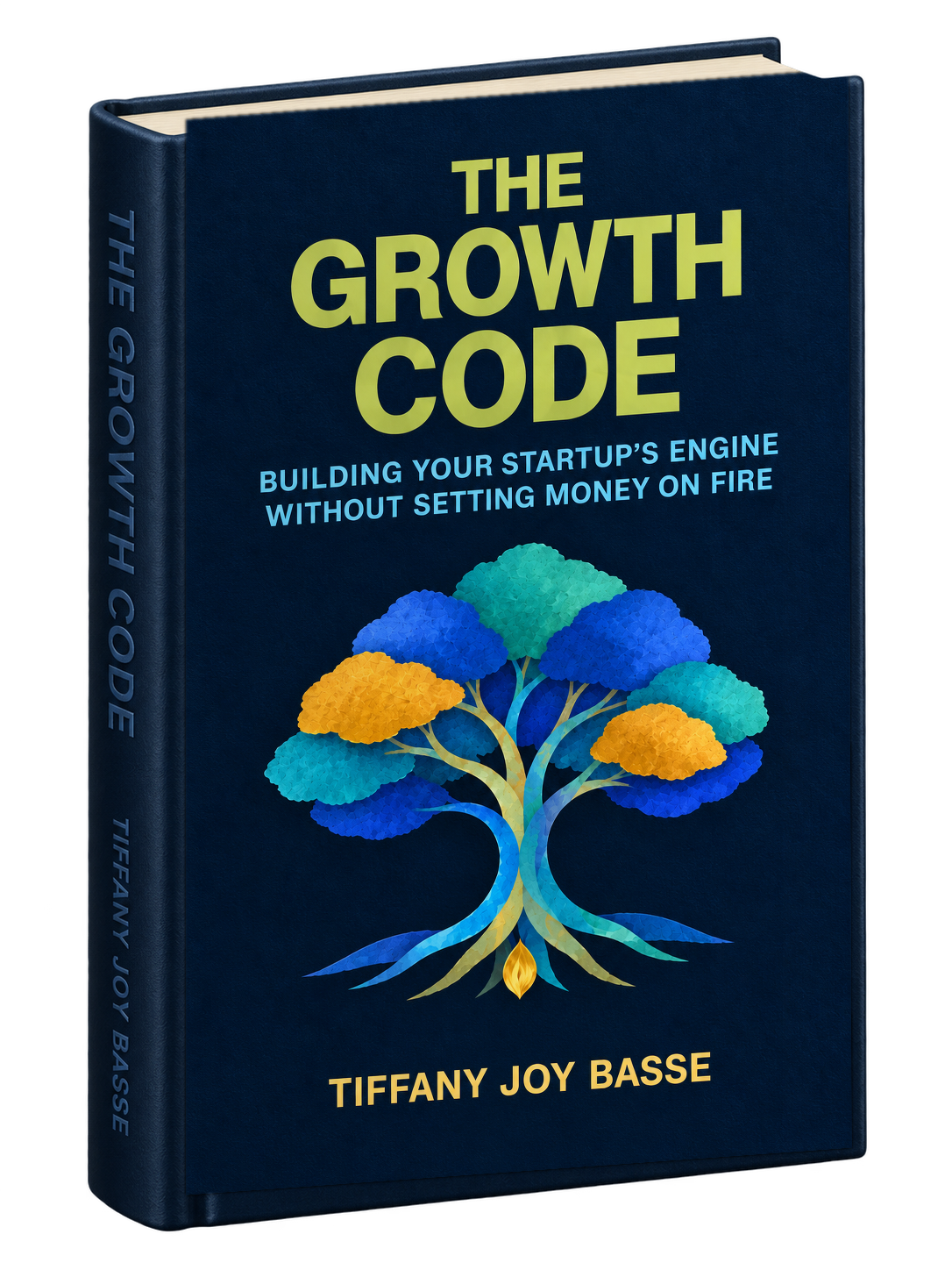
The Startup Series
Building Your Startup’s Engine Without Setting Money on Fire
Product-market fit, growth economics, experimentation, retention and investor metrics.

The Startup Series
Empowering the Next Generation of CEOs
Conscious leadership, emotional intelligence, teams, culture, ethics and judgment in the AI era.
READ, SAVE YOUR PLACE, AND RETURN TO FAVORITE IDEAS
Choose the EPUB download above to read with adjustable text size, bookmarks, and your saved reading position. Both apps can remember where you left off.
FOR IPHONE, IPAD, AND MAC
Apple Books also saves your current reading position automatically.
FOR KINDLE APP AND KINDLE DEVICES
Send to Kindle adds a personal document to your library; it does not publish the book for sale.
Prefer a PDF? The PDF downloads have fixed page layouts and work with browsers, Preview, and PDF readers. Choose EPUB for the simplest book-style bookmarking experience.
FROM VENTURE WITHIN PUBLISHING
Hard-copy editions are being prepared for publication by Venture Within Publishing. They are not yet listed for purchase here, and no release date has been announced.
For print, bookstore or group-order inquiries, contact the publisher. A purchase link will be added when there is a verified listing.